Dec 28, 2025
 3 min read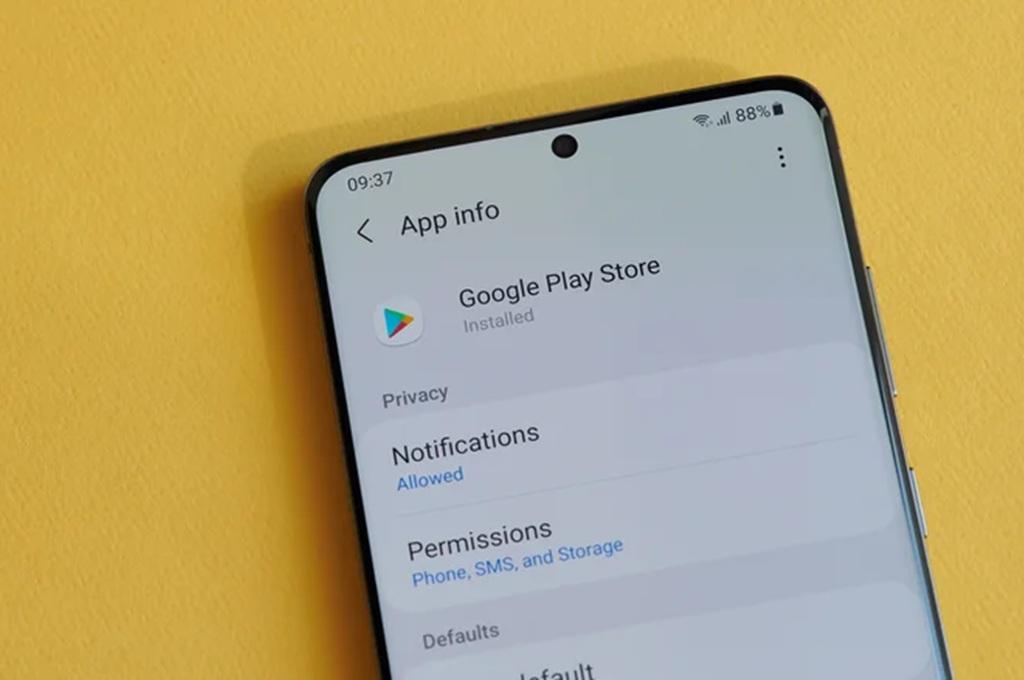
Avoid these 14 things on your Android phone to keep your device safe, fast, and long-lasting, from system updates to app permissions and battery habits.
Here are some ordinary and airoid user to avoid the information using their mobile phone and hold.
Avoid system updates
There is always a reason to install a software update.Android updates not only introduce new features, but also bring more important things, namely fixing bugs and security issues. Android will provide notifications when updates are available, but users often delay or ignore them for fear of wasting time or disrupting activities.Remember that running older versions can leave applications incompatible and systems vulnerable to malware attacks.
Rarely or never restart your device
Users often ignore the simple reboot process, even though this action clears system cache, closes problematic application processes, and improves performance.Therefore, technology experts recommend that users restart their phones at least once a week to ensure the system operates smoothly. Downloading applications from unreliable sources
The Google Play Store has more than 2.6 billion apps, all of which pass Play Attack Defense security checks.When users download from third-party or unofficial stores, the risk of malware or malicious code increases significantly. Don't set proper app permissions.
When installing an app, most users will immediately allow access requests regardless of their preferences about the feature.For example, a flashlight app shouldn't ask for location or access to contact information, so checking and adjusting each app's permissions will help prevent misuse or compromising personal data. Ignore battery optimization settings.
Android has a battery saver feature that helps extend battery life when levels are low, but many users don't take advantage of it.Therefore, users do not need to rely on third-party applications and can only use the built-in settings of Android which are very safe and more effective to save energy without harming battery health.Constantly drains the battery to 0% and charges to 100%
This habit can accelerate the degradation of lithium-ion batteries.Experts and phone manufacturers often recommend users to keep the battery level between 50% and 80% to increase life and reduce stress on the battery. Keep your phone with almost full storage space
When storage capacity is low, the computer may be slow, may not install updates, or may not be able to save new files.Therefore, it is highly recommended to have at least 10% storage space of the total capacity to ensure smooth performance. Disable all security features
Leaving a mobile phone without a screen lock or security measures such as screen lock, PIN, biometrics and 2FA makes the device more easily accessible to irresponsible people.This is a big problem, especially if your phone stores sensitive data like emails, contacts, or financial accounts. Never clear app cache properly
Cache is temporary data that helps applications run faster. Sometimes it is necessary to clear the cache, but this does not help performance and may result in frequently used applications or unknown third-party applications.
Connecting your phone to a public or untrusted computer can open the door for other devices to install malware or steal data via the USB cable.Therefore, users need to ensure that they only use data transfer devices.bgv
Too many apps running in the background
Android is designed for multitasking, but too many apps running at the same time can slow down your system, drain your battery, and eat up data and other resources.Closing applications that are no longer in use is very important to maintain optimal performance. Using public Wi-Fi without caution
Public Wi-Fi is often unencrypted, opening opportunities for hackers to intercept data or execute phishing attacks.Therefore, users are advised to avoid conducting important transactions such as banking when connected to public WI-Fi, and using a VPN can be an additional security gauge to back up your data regularly
Often users forget to back up their important photos, messages or documents.Without backups, the risk of data loss due to device damage, update errors, or system failure is high.Uploading data to the cloud or computer is an important step that should not be overlooked.Root or jailbreak
Modifying the Android system via root can not only open up access to a wide range of features, it can also remove built-in security protections and make the device unstable.FYI, many manufacturers even void the warranty if the device is rooted. Using an Android phone wisely is not just about installing apps or opting for the latest features, but also avoiding practices that compromise the device's security and performance.The precautions in this list can help users maintain the health of their smartphones so that they remain safe, fast and durable.
See other news and articles at